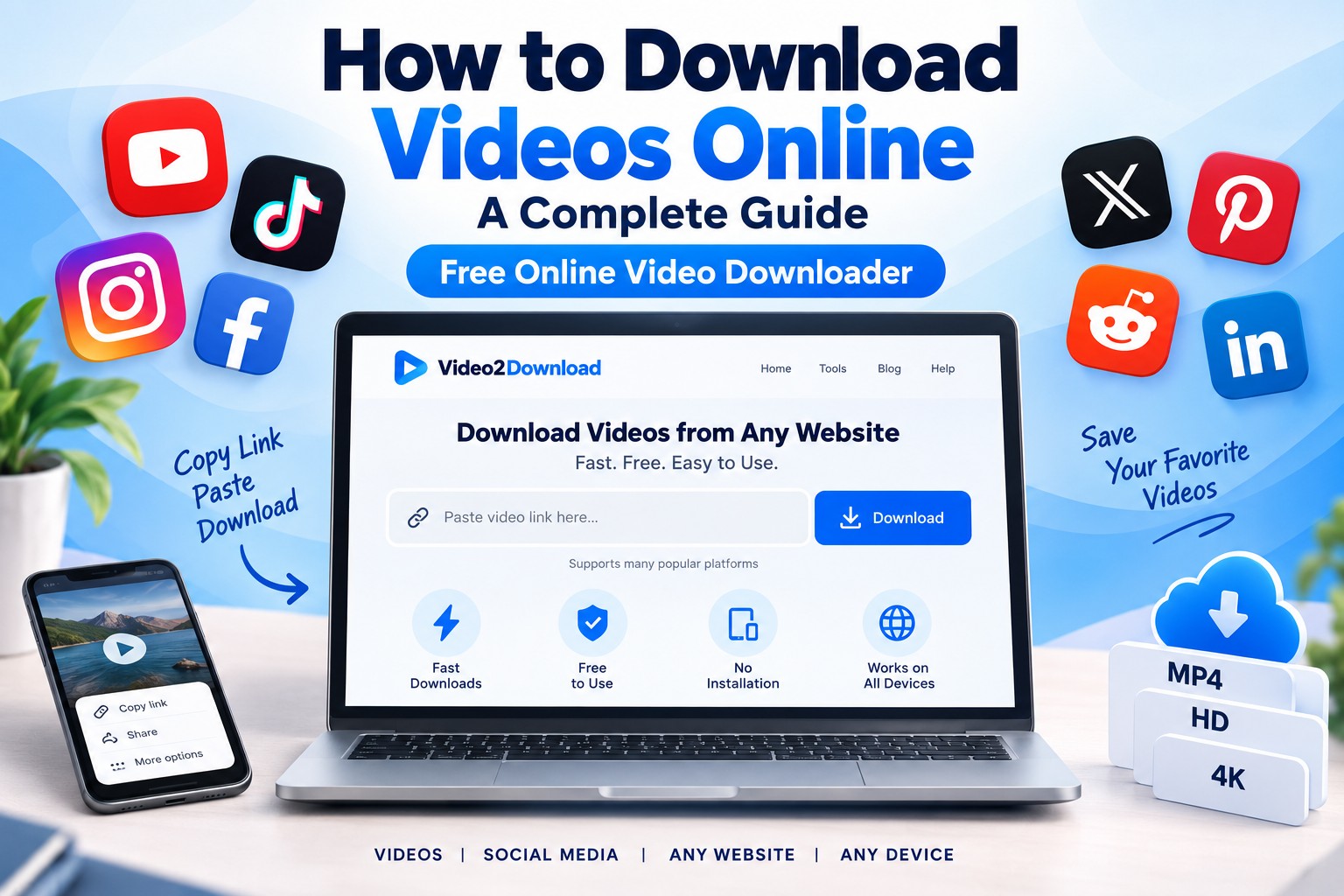
How to Download Videos Online: A Complete Guide
How to Download Videos Online: A Complete Guide
Downloading videos online can be useful when you want to keep a video available for offline viewing, save your own content, or access a supported video when you do not have a reliable internet connection.
Instead of installing desktop software or browser extensions, an online video downloader can provide a simple way to download supported videos directly from your browser.
In this guide, we’ll explain how to download videos online, how online video downloaders work, what you should look for in a video downloader, and how to download a video from a supported link.
What Is an Online Video Downloader?
An online video downloader is a web-based tool that can process a video URL from a supported website and provide available download options.
The basic process is simple:
- Find the video you want to save.
- Copy its URL.
- Open an online video downloader.
- Paste the video link.
- Start the download.
- Select an available format or quality when supported.
Because the process happens through a website, you usually do not need to install additional software.
If you are looking for a simple way to download videos online, Video2Download provides a browser-based solution for supported platforms.
How to Download Videos Online
The exact process can vary depending on the website where the video is hosted, but the general method is similar.
Step 1: Find the Video
Open the website or platform where the video is available.
Make sure the video is publicly accessible and that you have the right to download and use it.
Step 2: Copy the Video URL
Use the platform’s share or copy-link option to copy the URL of the video.
The link may look different depending on the platform.
Step 3: Open an Online Video Downloader
Open Video2Download in your browser.
You can use the service from a computer, tablet, or compatible mobile device without installing a separate downloader application.
Step 4: Paste the Video Link
Paste the copied URL into the downloader input field.
The downloader can then process the URL if the website and video are supported.
Step 5: Download the Video
After the link has been processed, available download options may be displayed.
Choose the option that fits your needs and start the download.
Can I Download a Video From a Link?
Yes, an online video downloader can process a video from a supported link.
The important distinction is that not every URL on the internet represents a downloadable video.
For example, a webpage may contain:
- Text
- Images
- Embedded videos
- Advertisements
- Social media posts
- Private content
- Protected media
- Multiple media elements
A video downloader needs to recognize the supported video URL before it can provide a download option.
Therefore, if a particular link does not work, the website may simply not be supported or the video may have restrictions that prevent downloading.
What Is the Difference Between Video Download and Video Downloader?
The terms video download and video downloader are closely related but describe different things.
Video Download
Video download refers to the action of saving a video to your device.
Video Downloader
Video downloader refers to the tool or service that helps you perform that action.
For example:
“I want to download a video online.”
This describes the action.
“I need an online video downloader.”
This describes the tool.
Both phrases represent the same general search intent, which is why people may use terms such as:
- video downloader
- online video downloader
- video downloader online
- video download online
- download video online
- online video download
- download videos online
How to Download Videos Online for Free
Many users search for terms such as download video online free, free video downloader, or online video downloader free because they want a solution that does not require purchasing software.
A browser-based downloader can be convenient because there is no separate desktop application to install.
However, “free” does not mean that every video can legally be downloaded or reused.
Before downloading a video, consider:
- Who owns the content?
- Does the platform allow downloading?
- Do you have permission to save the video?
- Are you planning to reuse or publish the content?
- Does the creator provide a download option?
For personal use, always follow the platform’s rules and the copyright owner’s rights.
Can I Download Videos From Any Website?
This is one of the most common questions about online video downloaders.
The answer depends on the downloader and the website.
A service may support many popular video and social platforms, but no online downloader should be assumed to work with every website on the internet.
Websites can use different technologies, video players, authentication systems, privacy settings, and content-protection mechanisms.
For this reason, the best approach is to check whether the platform you are using is supported.
If a video is hosted on a supported platform and the URL can be processed, an online downloader can provide the available download options.
Online Video Downloader on Mobile
You can also use a browser-based video downloader from a mobile device when the service and video platform are compatible with mobile browsers.
The general process remains the same:
Copy → Paste → Process → Download
You do not necessarily need to install a dedicated downloader application.
This can be particularly convenient when you are already browsing videos on your smartphone.
Why Use an Online Video Downloader?
There are several reasons people choose browser-based download tools instead of traditional software.
No Installation
A web-based tool does not require you to install a desktop application just to process a video link.
Simple Workflow
The process is usually based on copying and pasting a URL.
Works in a Browser
You can use the downloader from a compatible browser rather than depending on a specific operating system.
Convenient for Occasional Downloads
If you only need to download a video occasionally, an online service can be more convenient than installing dedicated software.
Multiple Supported Platforms
A multi-platform downloader can be useful when you regularly use more than one social media or video platform.
What Should You Look For in a Video Downloader?
Not all video downloaders provide the same experience.
When choosing an online video downloader, consider these factors.
1. Supported Platforms
Check whether the service supports the website where your video is hosted.
2. Ease of Use
A good downloader should have a straightforward process without unnecessary steps.
3. Browser Compatibility
The service should work with commonly used modern browsers.
4. Available Quality
Depending on the source platform, different video qualities may be available.
5. Download Format
Some services may provide different formats depending on the source video.
6. Privacy
Avoid entering passwords or private account information into a third-party downloader.
A legitimate downloader should not require your social media password just to process a public video URL.
Why Isn’t My Video Download Working?
Sometimes you may paste a URL and receive an error or no download option.
There are several possible reasons.
The Platform Is Not Supported
The first thing to check is whether the website is supported by the downloader.
The URL Is Incorrect
Make sure you copied the complete video URL.
The Video Is Private
Private or restricted content may not be accessible to a third-party downloader.
The Video Has Been Removed
If the original content is unavailable, a downloader cannot retrieve it.
The Platform Changed Its System
Social media platforms and video websites can change their URL structures or media delivery systems, which can temporarily affect third-party tools.
Temporary Technical Problem
Try refreshing the page and processing the URL again.
Is It Safe to Download Videos Online?
The safety of an online video downloader depends on the service you use and the content you download.
Use reputable websites and avoid services that ask for unnecessary personal information.
You should never provide your social media password to a video downloader simply to download a public video.
Also be careful with unexpected files, misleading download buttons, or websites that attempt to install unknown software.
A browser-based service should make the download process clear and understandable.
Is Downloading Online Videos Legal?
Downloading a video and using a video are not necessarily the same thing.
Copyright rules vary depending on the country, platform, content, and intended use.
Before downloading or redistributing content, make sure you have the necessary rights or permission.
In particular, do not assume that because a video is publicly available, you automatically have permission to:
- Re-upload it
- Sell it
- Use it commercially
- Remove attribution
- Modify it
- Publish it on another platform
A safer approach is to download content that you own, have permission to use, or that is explicitly available for downloading and reuse under applicable terms.
Frequently Asked Questions
What is the easiest way to download videos online?
The simplest method is usually to copy the URL of a video from a supported platform, paste it into an online video downloader, process the link, and select an available download option.
Is there a free online video downloader?
Yes, browser-based video downloader services can provide free downloading options for supported platforms. Availability and features can vary by service and source website.
Can I download a video online without installing software?
Yes. An online video downloader can process supported video URLs directly through a web browser.
Can I download videos from a link?
Yes, if the link points to supported content that the downloader can process. Private, restricted, unsupported, or protected content may not be available.
Can I use an online video downloader on my phone?
Yes. Browser-based downloaders can generally be accessed from compatible mobile browsers.
Why does my video URL not work?
The platform may not be supported, the URL may be incorrect, the video may be private or unavailable, or the platform may have changed how its media is delivered.
Can I download videos from any website?
Not necessarily. Online video downloaders support specific platforms and technologies. Always check whether the website containing the video is supported.
Is a video downloader free?
Some online video downloaders offer free services. Features, supported platforms, formats, and limitations can vary.
Download Videos Online With Video2Download
If you have a video URL from a supported platform and want a straightforward way to process it in your browser, you can try Video2Download.
The basic workflow is simple:
Copy the video URL → Paste it → Process the link → Download the available video
No complicated setup is required for the basic browser-based workflow.
Remember to download only content that you are legally allowed to save or use and follow the rules of the platform where the video is hosted.
Final Thoughts
An online video downloader can make saving supported online videos more convenient by allowing you to process a video URL directly from your browser.
Whether you search for video downloader, online video downloader, download videos online, download video online, or video downloader online, the basic process is usually straightforward: copy a supported video URL, paste it into the downloader, and select an available download option.
Choose a service that is simple to use, respects privacy, clearly explains its supported platforms, and encourages users to respect copyright and platform rules.